Choosing the right LED display can seem overwhelming due to the variety of options, technical specifications, and application needs. Whether you’re planning to use it for advertising, events, retail, or presentations, selecting the right LED Screen requires careful consideration of several factors to ensure it meets your expectations and delivers the best results.
This guide will walk you through the key factors to consider when choosing an LED display so you can make an informed decision.
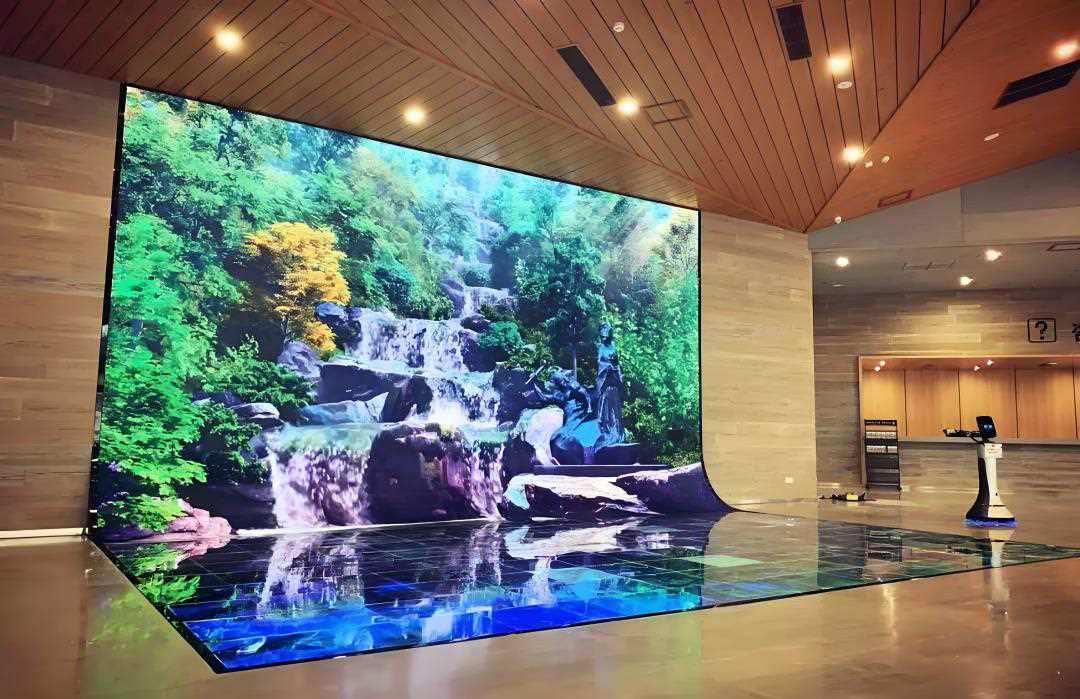
1. Define Your Purpose and Application
The first step is to identify how and where you’ll use the LED display. Consider the following questions:
Indoor or Outdoor Use ?
- Indoor LED Displays : These are designed for environments like malls, conference rooms, retail stores, and auditoriums. They typically have higher resolution and lower brightness since they don’t need to compete with sunlight.
- Outdoor LED Screens: Built for billboards, stadiums, and public spaces, these displays require weatherproofing and high brightness to remain visible in sunlight.
Fixed or Mobile Installation?
- Fixed Displays: Ideal for permanent setups, such as retail signage, digital billboards, or auditorium backdrops.
- Mobile Displays: Used for temporary events or mobile advertising, such as truck-mounted LED screens or portable rental displays.
Content Type and Purpose
- Advertising: Choose a screen with eye-catching brightness and high resolution.
- Event Streaming: Look for a screen with high refresh rates for smooth video playback.
- Information Sharing: Prioritize clarity and visibility, especially for text-based content like schedules and announcements.
2. Choose the Right LED Display Scren Pixel Pitch
The pixel pitch is one of the most important factors when selecting an LED display. Pixel pitch refers to the distance between the center of two adjacent pixels and determines the screen’s resolution and viewing distance.
Key Considerations for Pixel Pitch
- Smaller Pixel Pitch (P0.6–P3): Provides higher resolution and is ideal for close viewing, such as indoor displays or small venues.
- Larger Pixel Pitch (P2.5–P10): Suitable for outdoor displays or large venues where the screen is viewed from a distance.
| Pixel Pitch | Best For | Viewing Distance |
|---|---|---|
| P0.6–P2 | Indoor displays, retail displays | Less than 2 meters |
| P2–P3 | Indoor halls, conference rooms | 2–5 meters |
| P3–P6 | Outdoor advertising, event screens | 5–15 meters |
| P6–P10 | Billboards, stadiums | Over 15 meters |
3. Brightness Requirements
The brightness of an LED display determines its visibility in different lighting conditions. It is measured in nits, with higher values indicating greater brightness.
Brightness Levels
- Indoor Displays: Require 800–1,500 nits for optimal visibility in controlled lighting.
- Outdoor Displays: Need 3,000–6,000 nits to ensure visibility in direct sunlight.
Key Tip: Look for an LED display with adjustable brightness levels to adapt to changing lighting conditions.
4. LED Display Screen Resolution and Screen Size
The resolution of an LED display is determined by its pixel density and overall screen size. Higher resolution screens provide sharper and clearer visuals, but they come at a higher cost.
Choosing the Right Resolution
- Small Screens: Opt for a lower pixel pitch to ensure high resolution even on compact displays.
- Large Screens: A larger pixel pitch is acceptable for bigger displays viewed from a distance.
Screen Size
Consider the physical size of the screen and the space where it will be installed. Ensure it’s large enough for the audience to clearly view the content without overwhelming the space.
5. Indoor vs. Outdoor LED Display Screen Specifications
Indoor and outdoor LED displays are built with different specifications to handle their environments.
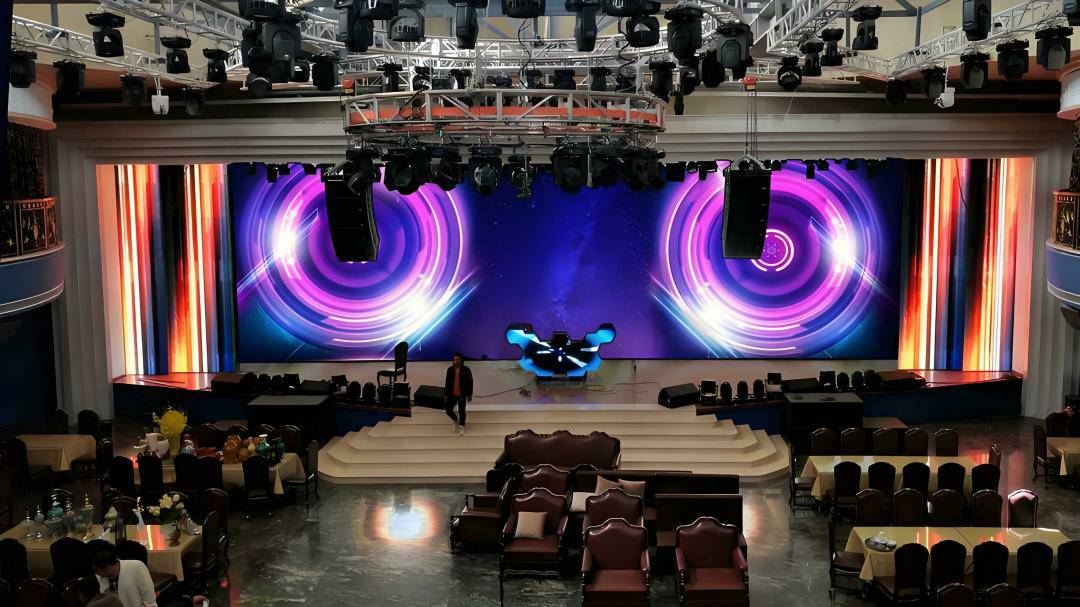
LED Displays
- Brightness: 800–1,500 nits.
- Pixel Pitch: P0.6–P3 for high resolution.
- Weatherproofing: Not required.
- Applications: Retail stores, auditoriums, conference rooms, malls.
Outdoor Displays
- Brightness: 3,000–6,000 nits or more.
- Pixel Pitch: P2.5–P10, depending on viewing distance.
- Weatherproofing: Must have an IP65 or higher rating to resist rain, dust, and extreme temperatures.
- Applications: Digital billboards, stadiums, outdoor events, public spaces.
6. Refresh Rate and Viewing Angle
Refresh Rate
The refresh rate refers to how often the LED display refreshes its content, measured in hertz (Hz). A higher refresh rate results in smoother motion and reduced flicker.
- For Video Playback: Look for a refresh rate of at least 3,840 Hz to ensure smooth visuals, especially for live streaming or sports events.
Viewing Angle
A wide viewing angle ensures everyone in the audience can see the screen clearly, even from the sides. Most modern LED displays offer 160–180 degrees horizontal and vertical viewing angles.
7. Durability and Weather Resistance
Durability is critical, especially for outdoor displays that face harsh environmental conditions.
Key Features to Look For
- Weatherproofing: Ensure outdoor displays have an IP66 or higher rating to resist water, dust, and heat.
- Heat Dissipation: Look for built-in cooling systems to prevent overheating.
- Impact Resistance: Choose durable screens for high-traffic areas where accidental impacts may occur.
8. LED Screens Energy Efficiency
Energy-efficient displays help reduce operational costs, especially for large screens used 24/7. Look for displays with:
- Low Power Consumption: LED screens are generally more energy-efficient than traditional display systems.
- Automatic Brightness Adjustment: Reduces power usage by adjusting brightness based on ambient light.
9. Content Management and Control
Consider how you’ll control and manage the content displayed on the screen. Modern LED displays offer various control options:
- Remote Management: Update content via Wi-Fi, 4G/5G, or cloud-based systems.
- Scheduling: Pre-schedule content playback for specific times or events.
- Multi-Input Support: Ensure compatibility with multiple input sources, such as HDMI, USB, and live feeds.
10. Budget Considerations
The cost of an LED display depends on factors like size, pixel pitch, brightness, and additional features. While it’s tempting to choose the cheapest option, prioritize value over price to ensure quality, longevity, and performance.
Estimated Costs
| Screen Type | Pixel Pitch | Cost per m² (USD) | Best For |
|---|---|---|---|
| Indoor LED Display | P0.6–P3 | $1,000–$2,000 | Retail, conference rooms, auditoriums. |
| Outdoor LED Display | P3–P10 | $1,000–$3,000 | Billboards, stadiums, public spaces. |
| Transparent LED Display | P3–P7 | $1,000–$2,000 | Glass facades, storefronts. |
| Curved LED Display | P2–P6 | $1,500–$2,500 | Creative and immersive designs. |
11. Vendor and Warranty
Choose a reliable vendor or manufacturer that offers:
- Customizable Solutions: Tailored to your specific needs.
- Warranty and Support: Look for a manufacturer that provides at least a 3–5 year warranty and after-sales support.
- Installation Services: Ensure the vendor offers professional installation and setup.